
GitHub Copilot can now inspect and operate desktop applications from local Copilot CLI and app sessions. The capability can reach legacy GUI work, but each app, visible screen and saved approval expands the operating boundary.
RELATED BUYER PROFILEReview the GitHub Copilot access, controls and test-pending buyer profilePricing · access · strengths · limitations →RELATED DECISION GUIDETurn desktop access into an explicit agent risk gateWorkflow · evidence · risk · governance →CONTINUE THE DECISIONPlan one reversible desktop-agent pilotEvidence · workflow · next action →CONTINUE THE DECISIONCount AI credits, review and recovery in complete task costEvidence · workflow · next action →CONTINUE THE DECISIONOpen the software developer decision deskEvidence · workflow · next action →CONTINUE THE DECISIONReview the separate sandbox and telemetry control stackEvidence · workflow · next action →What you need to know
- Computer use is a public preview in local Copilot CLI and Copilot app sessions on macOS and Windows
- The user must approve an application before control starts; saved always-allowed apps can be reviewed and reset
- macOS also requires Accessibility and Screen Recording permissions, and an organisation-managed setting can disable the feature
What the preview changes
Short answer: the desktop is now a tool boundary
GitHub announced desktop computer use on 1 October. From a local Copilot CLI or Copilot app session, the agent can read accessible content and visual context, click controls, enter or edit text, press keys, scroll, drag and move through a workflow. That is useful when an application has no suitable API, CLI or MCP connector. It also means the buyer must govern the selected application, the current window, visible data and the actions that follow—not only the repository.
Approval is necessary, but its duration matters
GitHub says Copilot asks before taking control of an application. Users can approve once or allow the application for future sessions, then review or reset the always-allowed list. A persistent approval saves friction and widens the standing boundary. For an initial pilot, prefer one-time approval, limit the task to one application and verify that revocation blocks the next attempt. Treat a request to change applications or expose another window as a new decision.
Operating-system permission is a separate gate
On macOS, computer use also depends on Accessibility and Screen Recording permissions. Those permissions can expose more than a single field or document, so the organisation should decide who may grant them and on which device class. Windows still needs an explicit Copilot application approval even though the launch notes do not list the same macOS permission pair. An organisation-managed feature setting can disable computer use; confirm the effective policy on the actual account rather than assuming a global default.
Visible content can become an instruction surface
A desktop application may display email, tickets, documents, web content or generated text that was not written for the agent. That content can contain misleading or hostile instructions. Test whether Copilot follows text inside the application, switches windows, reveals credentials, copies protected data or performs a consequential action without a fresh review. Keep password managers, terminals with secrets, finance systems, production consoles and customer records outside the first pilot.
Access, usage and sandboxing are not one promise
GitHub documents Copilot CLI across plan types, subject to organisation policy, and says each interaction consumes AI credits according to the selected model. The computer-use launch does not publish a separate universal price or UK entitlement matrix. Verify the exact plan, client version, model, usage allowance and organisation setting. Local sandboxing, managed operation rules and computer-use app approval are separate controls; one does not prove that the others are enabled or that every desktop action is contained.
Run a recovery-led desktop test
Choose a reversible workflow in a non-production application, such as copying approved sample data into a test form. Freeze the starting state and success criteria. Record every approval, wrong target, unintended window, rejected action, retry, AI-credit use, reviewer minute and rollback step. Then revoke the application, remove the operating-system permission where applicable and confirm that the same action no longer runs. Repeat with an instruction embedded in visible content before expanding access.
HubAI buyer verdict
Desktop computer use is a meaningful Copilot extension for legacy GUI work, but it should begin as an exception route—not a default right across the desktop. Keep the first task reversible, use one-time approval and exclude sensitive applications. Expand only when revocation, logs, wrong-window recovery and prompt-injection handling survive a recorded test. GitHub Copilot remains Test pending with no HubAI Score.
Sources and editorial disclosure
Independent editorial coverage; not sponsored. Capability, platform, permission and policy details come from GitHub. HubAI has not independently operated the preview, measured its reliability or verified account-level UK entitlement. No directly related query was visible in the accessible UK Google Trends review, so this briefing makes no search-volume or breakout claim. The original cover is a conceptual editorial illustration of a desktop permission gate, not a GitHub interface, logo or security certificate.
HUBAI VIEWPilot one reversible task with one explicitly approved application. Prove app selection, screen exposure, prompt-injection resistance, action review, revocation, logs and rollback before allowing broader or persistent access.
Buyer decision signal: Public preview · desktop computer use on macOS and Windows
What to verify next
1Confirm the exact Copilot plan, client version, selected model and organisation policy
2Start with one non-production application and one reversible task
3Use one-time approval before considering any always-allowed application
4Exclude password managers, production consoles, finance and customer-data systems
5Test hostile instructions displayed inside the approved application
6Record wrong-window actions, retries, reviewer time, AI-credit use and rollback
7Revoke the app and operating-system permissions, then prove the action is blocked
Read the evidence
Capabilities, availability and prices can change. HubAI keeps analysis separate from the underlying official material.
01GitHub Changelog: Copilot can interact with desktop apps — 1 October 2026Open source ↗02GitHub Docs: Copilot CLI computer use, access and security boundariesOpen source ↗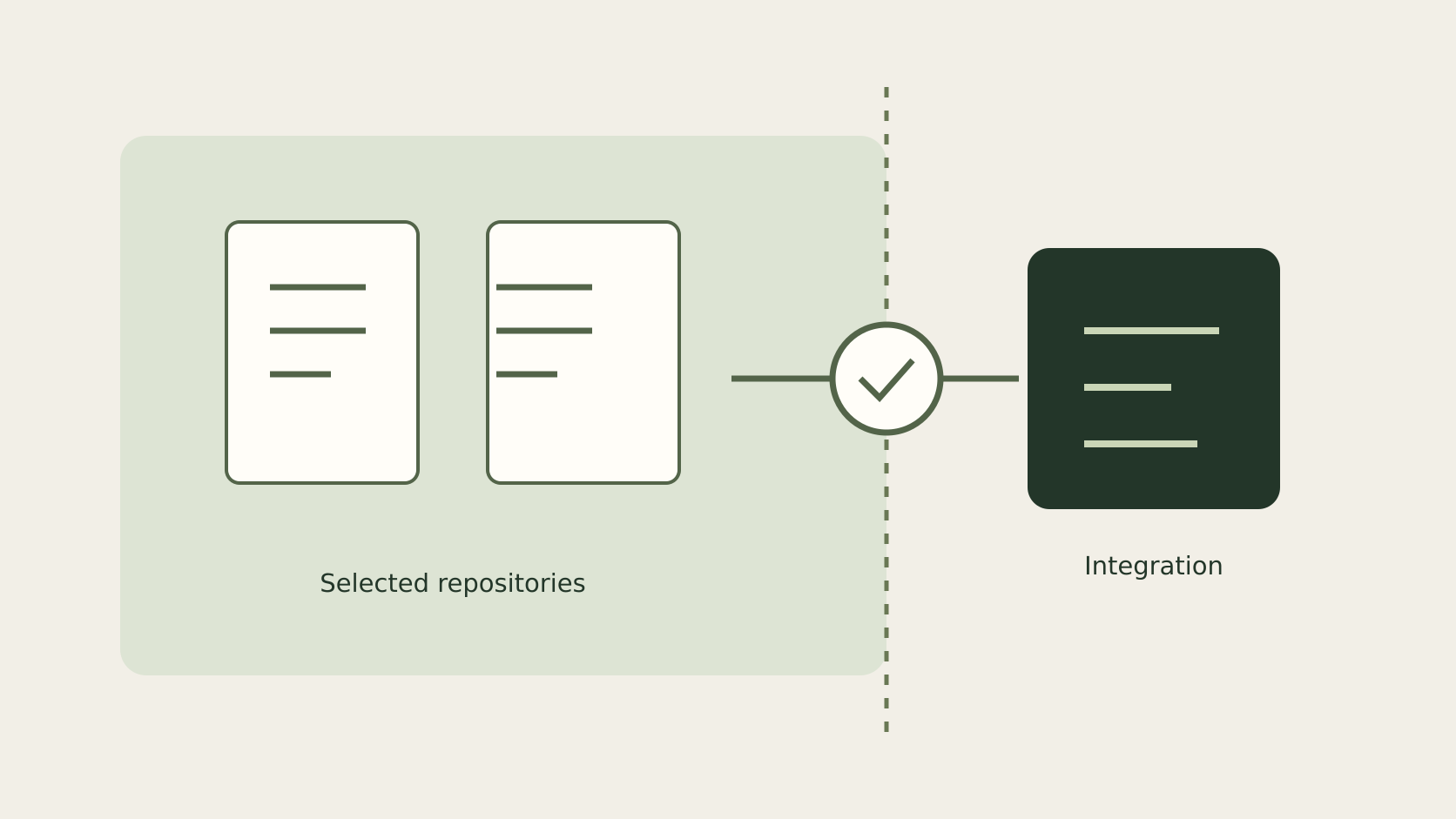 Code AI
 Code AI
 Code AI
 Code AI